TIXX-BACKOFFICE - WALLET TICKET UPDATE
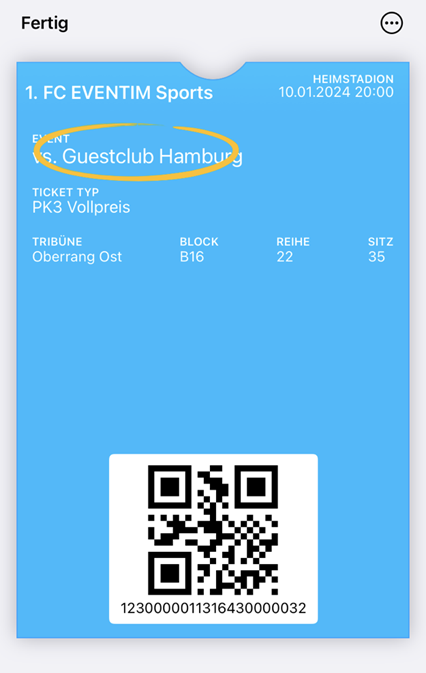
Using the “Wallet Ticket Update” function, existing Wallet Tickets can – as the name already suggests – be supplied with new information and updated.
During an update, all data is transferred again and displayed with the most recently entered information. To execute an update, the function is called in the event below “Unlock game”.
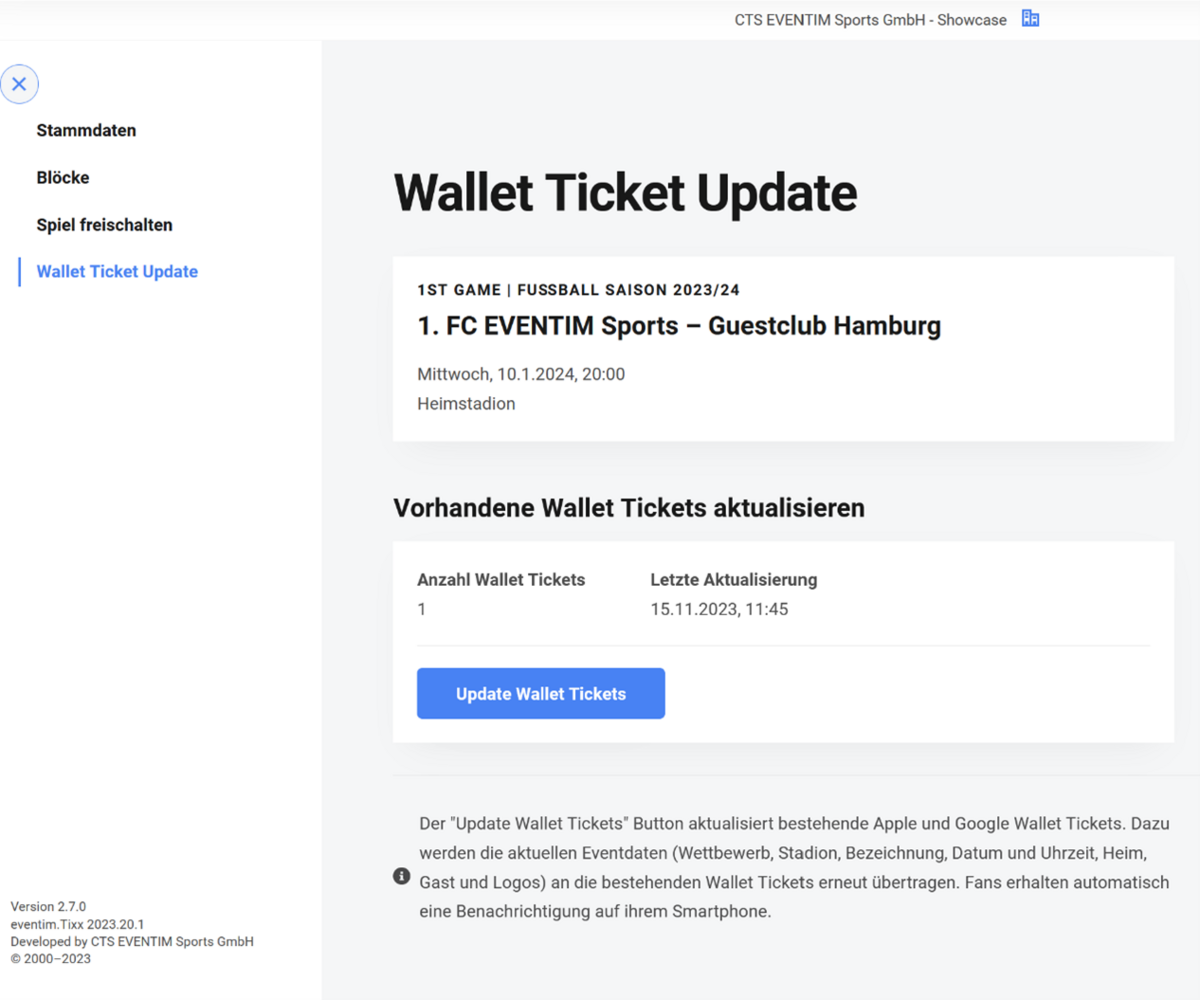
What does the new overview tell me?
In the overview, the number of Wallet Tickets is displayed that would receive an update as soon as the “Update Wallet Tickets” button is clicked. This number may differ from the number of booked mobile tickets or digital tickets, as not all Wallet Tickets must have been issued at the time of the update.
If an update is triggered, a new call is only possible once the previous update has been completed. The update applies ONLY to wallet tickets in the wallets of Google or Apple. Print@home tickets are not supplied with the new information.
Further points must be observed during an update:
- The update function uses the current settings for stadium, event and shipping gateway and sends these to the issued Wallet Tickets
- Depending on the device, ticket holders are informed about the update via push notification
- Third-party providers (not Apple and Google native wallets) do not receive an update
- Individual device settings influence the update and its visualization (such as the issuing of notifications and/or automatic updates)
- If a device is not reachable/online, the update will be delivered once it becomes reachable again
- Forwarded tickets (via Apple/Google native forwarding in the wallet) are updated on all devices
- Depending on the number of tickets to be updated, the process may take several minutes, but no more than one hour.