TIXX-BACKOFFICE - FILTERS IN GAME OVERVIEW
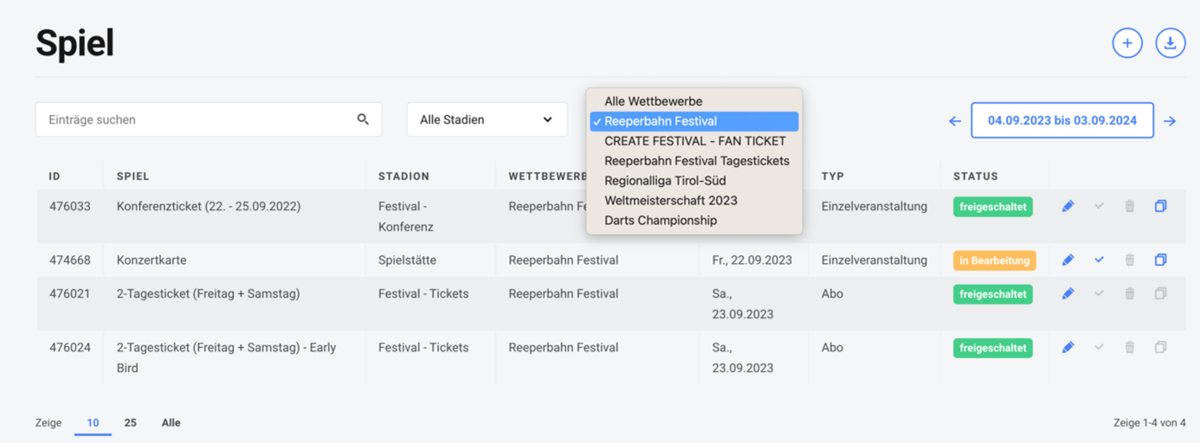
New filter options are now available for selecting games. You can filter by period, competition, and additional stadium details. This helps you find the desired game more quickly. The new filters are available under “Setup: Games, Seat Contingents, and Quantity Contingents” as well as “Statistics: Games.”
Date selection
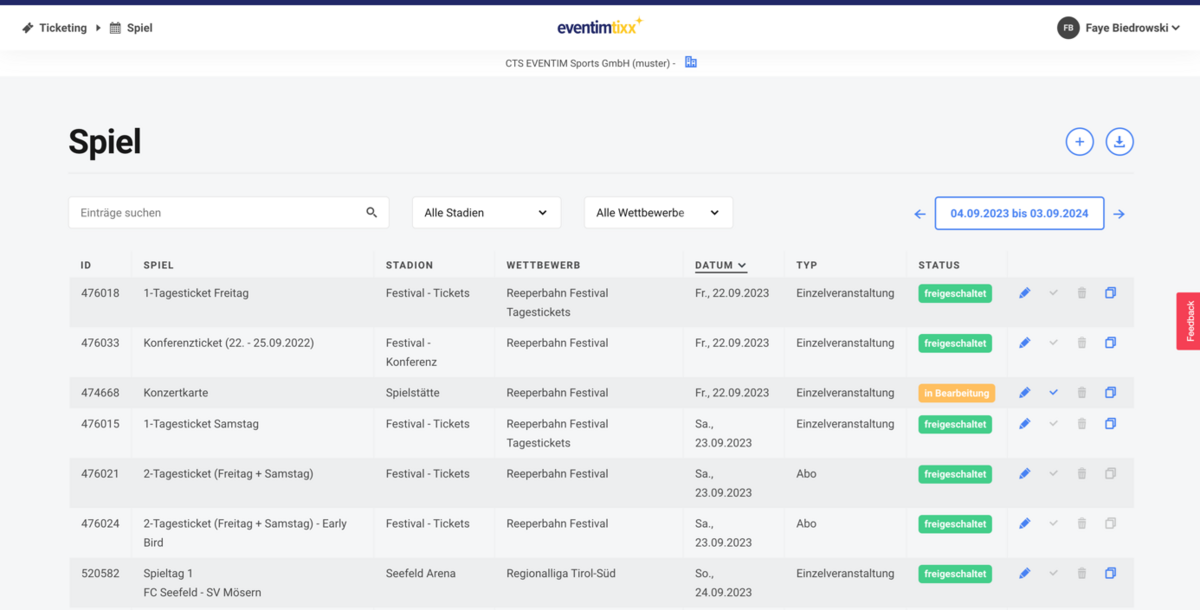
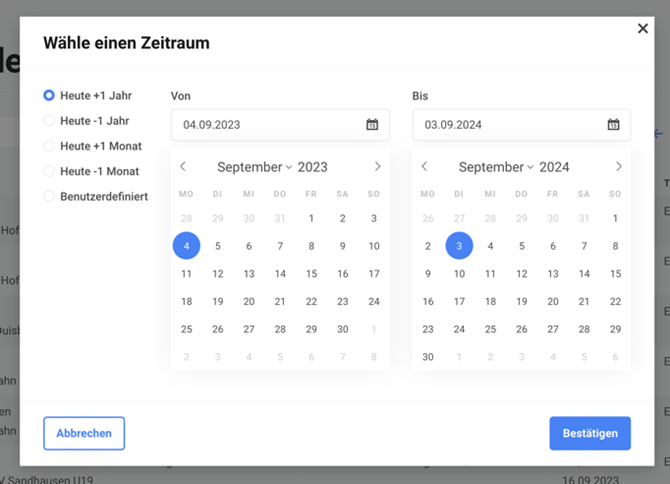
Simply select the period in which you would like to display matches. By default, the matches of the next 12 months are displayed. Using the arrows to the left and right, you can jump even faster to the overview of past or future matches. For an even more targeted search, you can click on the period and select the desired dates.
Competition filter and stadium add-on filter
To quickly display all matches for a competition, simply use the filter for the desired competition. If you use many add-ons for the stadium, the stadium add-on should be a helpful filter for you.